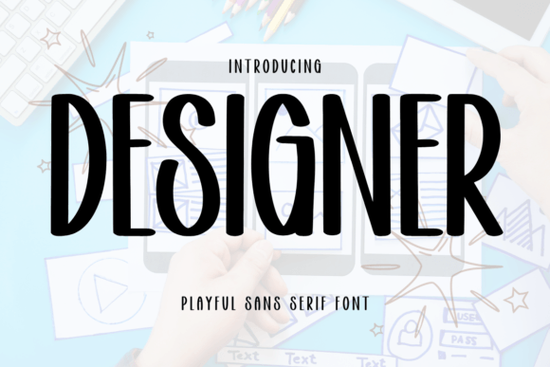
Finding a clean, readable typeface that works across different projects can be tricky. Designer Font is a neat, casual sans-serif built for clarity and readability, making it a solid pick for everything from website mockups to printed flyers. If you work on digital interfaces, branding, or print-on-demand products, this font keeps your text looking sharp without drawing attention away from your message.
What makes the Designer Font different from other sans-serif fonts?
Most sans-serif fonts fall into two camps: too plain or too stylized. Designer Font sits right in the middle. It has clean lines and balanced proportions that feel modern without being cold. The letter spacing is comfortable, and the characters are easy to read even at smaller sizes.
Unlike heavily geometric typefaces, this font doesn't try too hard to look trendy. It simply works. That makes it a practical choice for designers who need a reliable everyday typeface for:
- Website headers and body text stays legible on screens of all sizes
- Business cards and stationery clean enough for professional use
- Social media graphics casual feel without sacrificing readability
- Print-on-demand designs looks good on mugs, t-shirts, and tote bags
- App and UI design balanced proportions keep interface text tidy
Who is this font best suited for?
If you're a small business owner creating menus, price lists, or promotional materials, Designer Font gives you a polished look without the fuss. Crafters will appreciate how well it cuts on vinyl machines and how readable it remains at different scales. For print-on-demand sellers, it pairs nicely with bolder display fonts from the display fonts collection, letting you create eye-catching designs that still feel approachable.
Designers working on branding projects often need a sans-serif that doesn't overpower a logo or tagline. This font handles that role well. Its simplicity lets other design elements take center stage while keeping your typography consistent and professional.
How does it compare to other casual sans-serif options?
There are plenty of casual sans-serif fonts out there, but not all of them balance personality and neutrality the way Designer Font does. For example, Sugar Magic brings a playful energy that's great for children's designs or party invitations. If you prefer something more restrained, Japandi offers a minimalist, nature-inspired aesthetic through its sans-serif style. Each of these serves a different mood.
Designer Font, on the other hand, is the workhorse. It adapts to the context rather than imposing a strong personality on your design. That versatility is exactly what makes it useful across so many projects.
What file formats and features does it include?
When you download Designer Font, you typically get standard font files compatible with most design software Adobe Illustrator, Photoshop, Canva, Cricut Design Space, and more. You can install it on your system and use it just like any other font on your computer.
Here are a few things to keep in mind before purchasing:
- Check the license make sure it covers your intended use (personal, commercial, or POD)
- Test readability preview it at the sizes you plan to use most often
- Pair it wisely combine it with a complementary sans-serif or a bold display font for contrast
- Consider your audience casual fonts work best for lifestyle, food, and creative niches
Can I use it for print-on-demand products?
Yes, and that's one of the areas where Designer Font really shines. POD designs need fonts that are readable from a distance on physical products. A font that looks great on screen but turns muddy on a printed mug isn't helpful. Designer Font's clean construction holds up well on a variety of surfaces and printing methods.
Pair it with a standout display typeface for your main headline, then use Designer Font for any supporting text. That combination keeps your designs looking balanced and professional.
Quick checklist before you start using Designer Font
- ✅ Download the font and install it on your system
- ✅ Review the license terms for your specific project type
- ✅ Test it in your preferred design software at multiple sizes
- ✅ Create a font pairing try it with a bold display font for contrast
- ✅ Build a template so you can reuse it consistently across your brand materials
Tip: Start by using Designer Font for one small project a social media post, a product tag, or a simple flyer. Once you see how it performs in real use, you'll know exactly where it fits best in your design toolkit.
Try It Free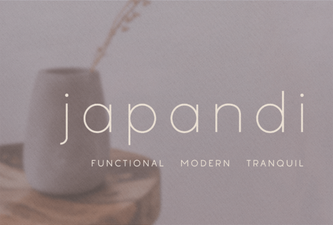 Minimalist Japandi Typeface for Harmonious Design
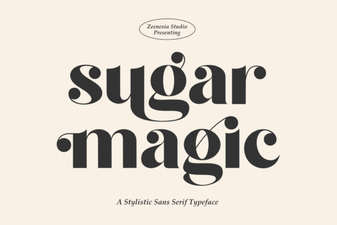 Sweeten Your Designs with Sugar Magic Font
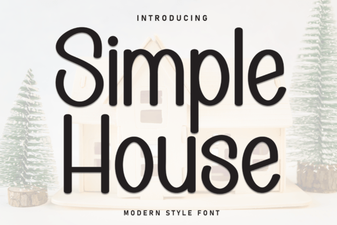 Simple House Font for Cozy and Minimal Design Projects
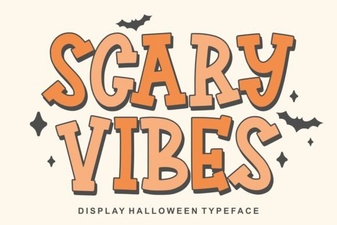 Creepy Typography for Dark Projects
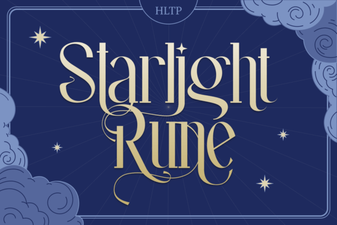 Starlight Rune Font for Mystical Design Projects
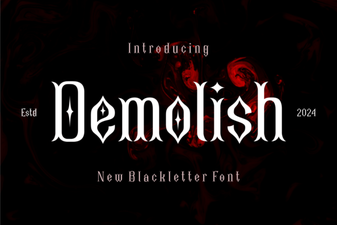 Demolish Font – Bold Blackletter Typeface for Impactful Designs